MuOnline auto potions for steady PvP survival.
MuMaster is a MuOnline auto potions tool for players who want steady SD, HP, Mana, and AG support without staring at the keyboard the whole fight.
Want the combo side as well? Check our MuOnline auto combo page or browse the full features overview.
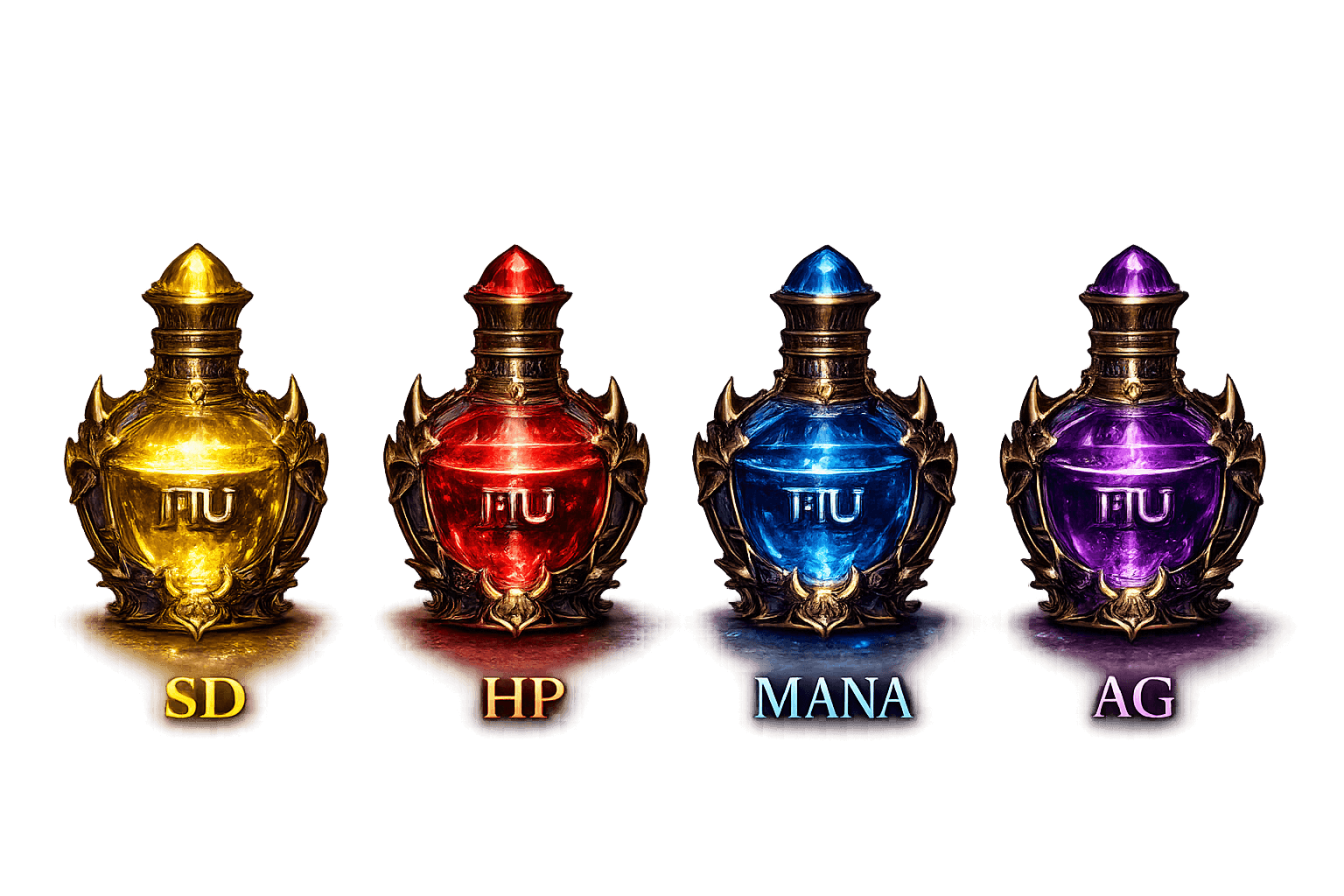
Keep your resources under control
Set up a MuOnline macro for auto potions, tune the thresholds, and let the app handle the timing when PvP gets intense.
SD / HP / Mana
Support for the core resources you need in most MuOnline PvP situations, with flexible timing rules.
AG support
Handle AG recovery too, so your setup feels complete instead of only half automated.
Mouse buttons
Use side buttons to start or stop the auto potions flow without reaching for extra hotkeys.
How MuOnline auto potions help in PvP
When battles get fast, manual potion spam can fall behind. A MuOnline auto potions setup helps reduce missed heals and keeps your resource usage more consistent, especially when your server has strict timing windows.
That is why players often start with auto potions first. It gives you a simple way to keep SD, HP, Mana, and AG under control while you focus on movement, target switching, and survival.
If your setup needs a little tuning, start with a trial run and adjust the thresholds until the behavior feels natural for your server and class.
Quick setup tips
- Start with the 24h trial and confirm potion behavior on your server.
- Keep thresholds conservative if your ping is unstable.
- Use the same mouse side button for easy start and stop control.
Need the combo side?
If you want a full PvP setup, open the MuOnline auto combo page and keep your pressure and healing together.
Go to auto comboStill checking options?
Use the homepage to compare the main paths, or download the installer when you're ready to test.
Back to homepage Download installerBest for players who want
- Reliable SD, HP, Mana, and AG support
- Less chance of missing a heal in a fast fight
- Mouse side button control for comfort
- An auto potions flow that feels natural in-game
Before you buy
- Use the 24h trial to test on your server
- Check timing against your ping and potion rules
- Confirm the resource thresholds feel safe
- Move to a license only after the setup feels right
Why auto potions matter in MuOnline
Fast fights leave little room for manual potion spam. A MuOnline auto potions setup helps you stay on top of HP, SD, Mana, or AG when the action speeds up. That means less distraction, fewer missed heals, and a smoother fight rhythm.
If your server has different limits or timing behavior, you can tune the delays and test the setup before committing to a license. Start with conservative values, then adjust once you see how the server responds.
The goal is simple: keep you alive longer and let you focus on movement, targeting, and pressure.
Common questions about MuOnline auto potions
Ready for cleaner potion control?
Try the 24h trial and see how the potion flow feels in real fights on your own server.
Start Free Trial