Built for Better MuOnline PvP
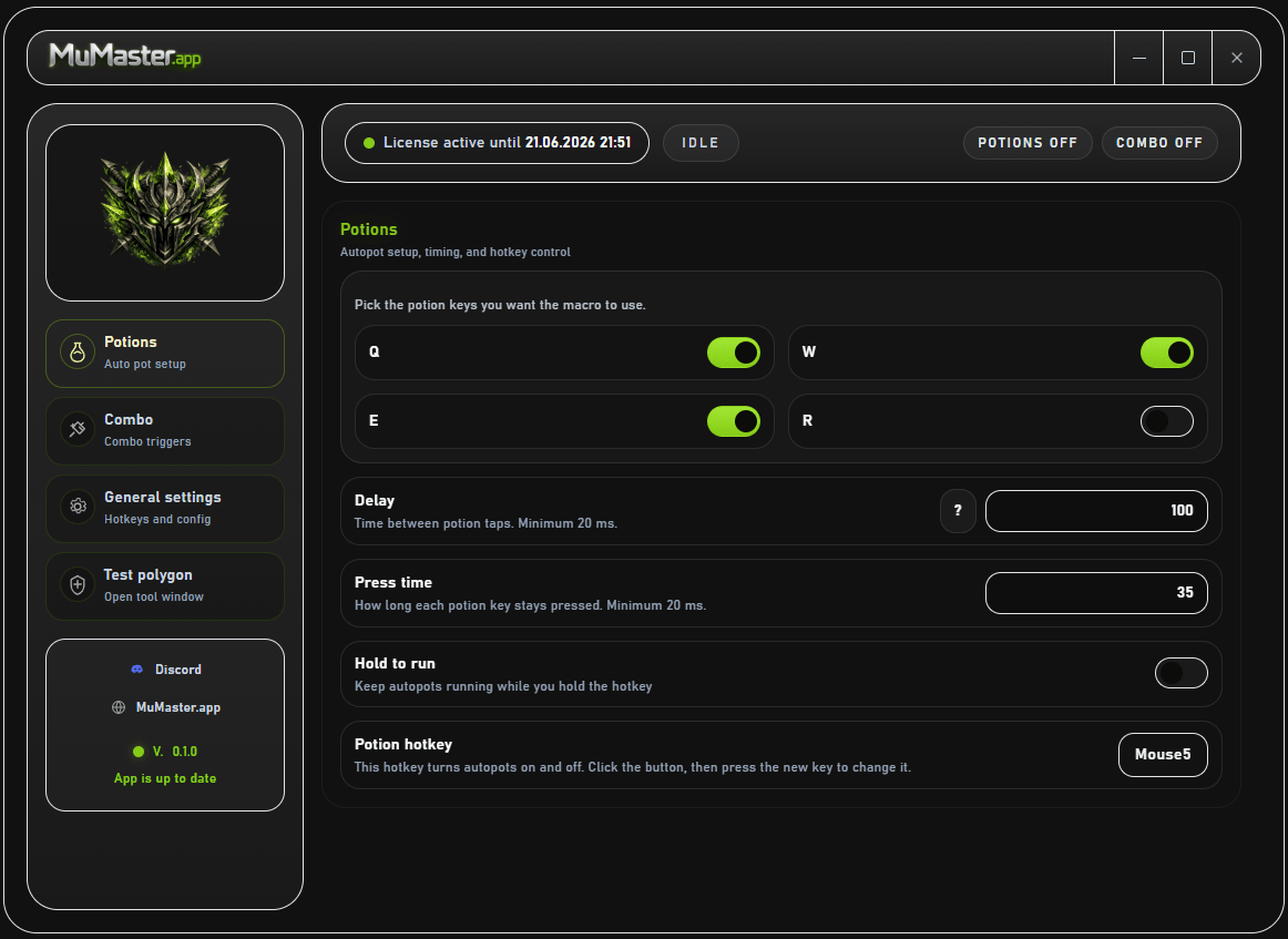
Keep your MuOnline fights smoother with a practical MuOnline macro for auto potions, auto combo, and mouse side button control.
Need smoother pressure?
Open the MuOnline auto combo page for timing, hold mode, and mouse side button control.
Open auto combo pageNeed safer fights?
See the MuOnline auto potions page for SD, HP, Mana, and AG support details.
Open auto potions pageNot sure yet?
Try the 24h trial first and test the timing on your own server before you buy.
Start 24h trialReady to install?
Download the installer and set up MuMaster on Windows in a few quick steps.
Download installerOne Tool. Cover all needs.
Built for MuOnline players who want smoother fights, this app covers auto potions, auto combo, and mouse side button control without turning setup into a chore.
MuOnline auto potions
Automatically use your SD, HP, MANA, and AG potions so you can focus on the fight instead of keyboard spam.
Features
Built-in Delay calculator. Find the perfect delay based on your ping and your server potion limits.
Supports regular mouse side buttons as Start/Stop buttons.
Ultra fast, with testing metrics like key presses per second.

MuOnline auto combo
Choose skills, set delays, and keep your combo running without manual timing stress.
Features
2 modes : On/Off or "Run while hold hotkey"
Supports regular mouse side buttons as hotkey buttons.
Ultra fast combo timing with metrics like key presses per second.
Frequently Asked Questions.
Got questions? We've got answers. If you don't find what you're looking for, check FAQ page or reach out to our support team.